After ordering with UNBOX, how do items reach you?
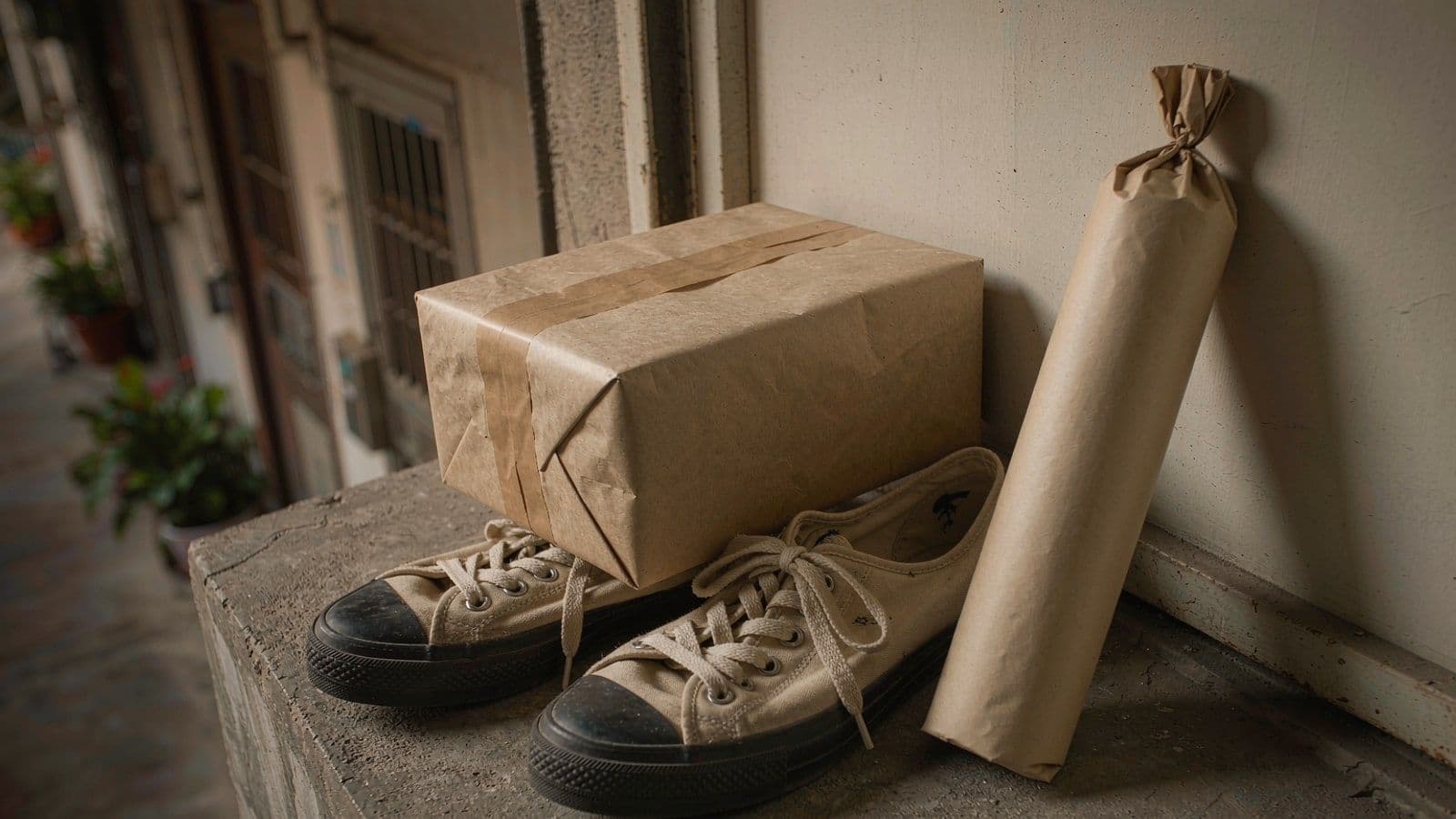
After unboxing with UNBOX, delivery splits into two tracks: physical items are delivered by logistics to the shipping address you entered in the App, while digital experience vouchers enter your App account immediately after unboxing and are presented and redeemed at offline partner stores. In the first stage, delivery coverage is mainly Hong Kong; specific timing is subject to what's posted on the App's checkout page and Support Center.

MY LUCKY MALL Editorial
Content team
Key takeaways
- •Physical items go by logistics; experience vouchers enter your App account immediately after unboxing — the two tracks arrive at different times
- •You can change your address yourself before unboxing; once it has entered the shipping process, you can only contact customer service to try to intercept it
- •When receiving, first photograph the outer packaging, then record the unboxing in one continuous take — after-sales decisions rely on evidence
How does shipping work after ordering with UNBOX? Where is it delivered, and how long does it take?
After unboxing with UNBOX, delivery splits into two tracks: physical items are delivered by logistics to the shipping address you entered in the App, while digital experience vouchers enter your App account immediately after unboxing and are presented and redeemed at offline partner stores. In the first stage, delivery coverage is mainly Hong Kong; specific timing is subject to what's posted on the App's checkout page and Support Center.
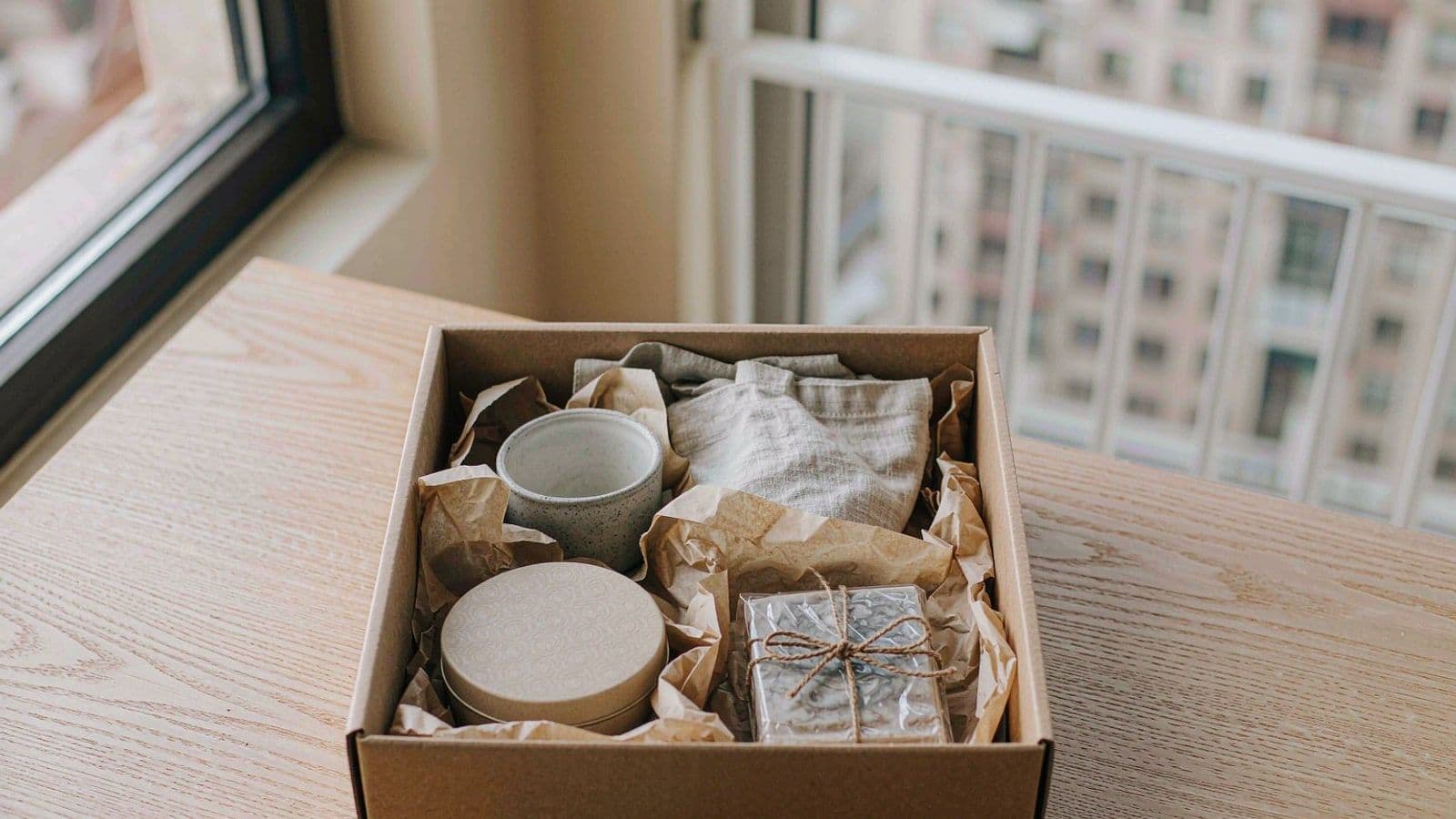
Unboxing is only the first half. What really starts to cause anxiety is the second half: when will my items arrive, where are they being sent, and what if I entered the wrong address? The delivery structure for blind box products is a bit more complex than ordinary e-commerce — what you buy isn't a single product, but a combination of "physical item + experience voucher," and the two travel along different paths.
Physical items are delivered by logistics to the address entered in the App, while digital experience vouchers enter your App account immediately after unboxing and are redeemed at offline partner stores.
After unboxing, your items split into two tracks
Thinking of these two tracks as one is the starting point for most misunderstandings and after-sales disputes. First look at a table to confirm which one you're waiting for.
Item | Physical goods | Digital experience voucher |
|---|---|---|
How you get it | Delivered by logistics to the shipping address entered in the App | Enters your App account directly after unboxing |
What you need to do | Sign for the parcel | Present and redeem at an offline partner store |
Time constraints | Depends on the product; generally no expiry | Per the merchant's stated validity period; generally not reissued after expiry |
Who to contact if there's a problem | Product after-sales: exchange or compensation | Voucher issues: redemption, rescheduling, and validity period |
Transferable? | Subject to product attributes and policy | Bound to your account; transferring is not recommended |
This table answers a common question: why do I already have something in the App when I haven't received a delivery yet? Because vouchers don't need logistics. Conversely, why has a voucher "arrived" but can't be used? Because its usability is limited by the validity period — that's a separate matter from when it arrived.
When to enter your address, and when you can still change it
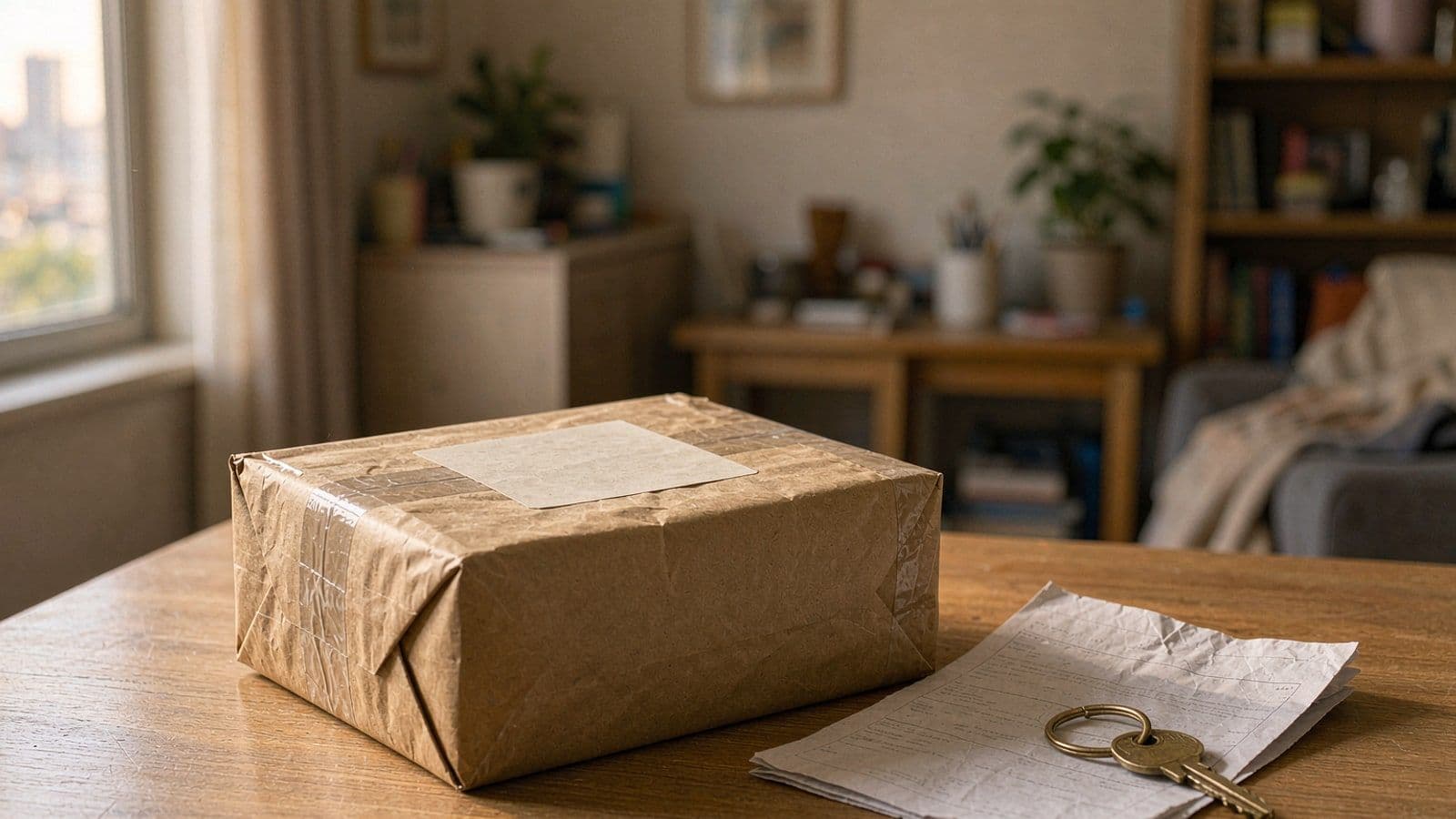
You need to register and log in before unboxing — one reason is to confirm the accuracy of your shipping address and to securely bind vouchers to your account. The address is entered during the App's checkout process and can be checked before unboxing.
Once you've unboxed and the physical item has entered the shipping process, the address generally can't be changed by yourself — you can only contact customer service to try to intercept it. So checking at the moment of ordering is far more useful than fixing it afterward: go through the floor, block, unit number, and recipient phone one by one.
If you did enter it wrong and the item has already shipped, don't rush off to change the address yourself and then wait — contact customer service first and explain the situation. Whether an address change on the carrier's side succeeds depends on how far the parcel has progressed, and no one can guarantee that in advance.
Delivery coverage and timing: why we don't state specific days
Writing "arrives in three days" is the easiest thing to do and the easiest way to damage your reputation. Holidays, weather, and carrier schedules can all make a promise fall through — and when a promise falls through, what users remember isn't the reason, it's that "they don't keep their word."
So here's how we put it: the full first-stage experience is open only to Hong Kong; other regions can download the App to browse content first. The actual scope of physical delivery is subject to the explanation in the App. As for how long it takes, see what's posted on the App's checkout page and Support Center — those follow actual schedules and are more accurate than any static article.
One more thing: if you're in a hurry for something, don't gamble on "it should make it." Confirm the timing first, then decide whether to order now.
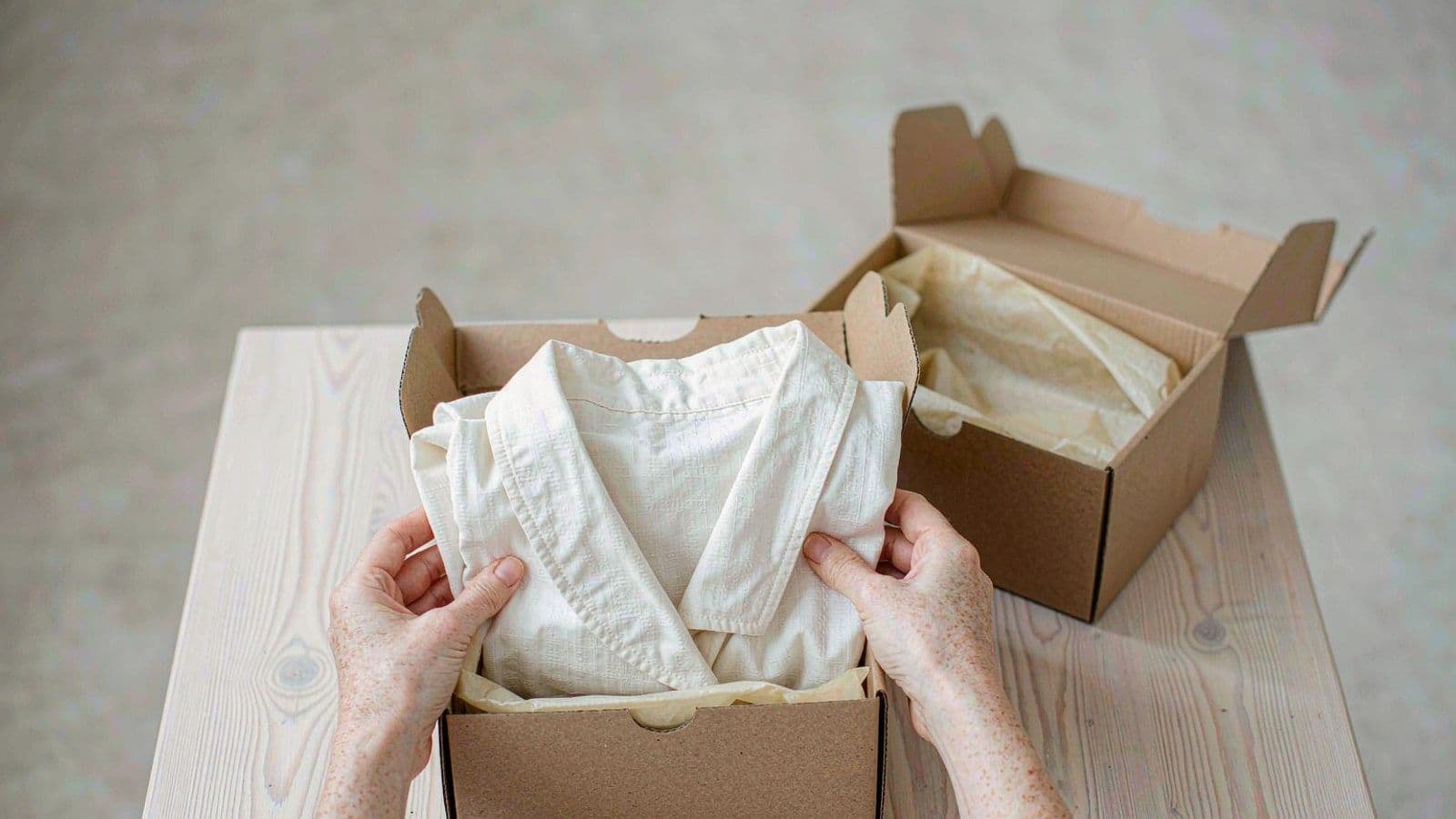
Three things to do when you receive your delivery
- Check the outer packaging: for damage, water stains, or signs of re-sealing, take photos on the spot and have the courier note it in the record.
- Record a video while unboxing: one continuous take, from the tracking number to the contents, with no cuts or pauses.
- Check items against the list: open the order details in the App and verify each item; if anything is missing or wrong, screenshot immediately.
Whether you do these three things determines whether it's later "I say one was missing" or "there's evidence on record." After-sales decisions rely on evidence, not tone. For specific routing, see What to do if there's a problem after receiving a blind box.
Why vouchers aren't "deliveries"
Experience vouchers are digital assets — they're in your account right after unboxing, don't require waiting for logistics, and don't take up parcel space. Their issue is never "has it arrived," but "can I use it, when can I use it, and what if it expires."
So don't file voucher issues as logistics complaints — submit them directly as voucher issues: failed redemption, fully booked store appointments, and approaching expiry are each handled differently. The full rules for vouchers are also in After-sales and returns, with routing explanations.
Three follow-up questions
"The physical item hasn't shipped yet — can I cancel the order?"
Whether you can cancel depends on the current order status, which is shown in the order details in the App. If it has already entered the shipping process, handle it through the after-sales process; don't place a duplicate order to "hedge," as that just leaves you with one more order to deal with.
"Can two orders be combined into one shipment?"
Combining is not promised. Each order follows its own process, and whether they can be combined is subject to actual handling by customer service. If you're in a hurry, ordering separately and tracking separately is actually clearer.
"Can it be shipped outside Hong Kong?"
The full first-stage experience is open only to Hong Kong. Other regions can download the App to read content and browse brand introductions; whether physical delivery is available is subject to the explanation in the App — don't expect it based on "it should be able to ship."
Frequently asked questions
How long until I receive it?
Schedules change with holidays and carriers, so this article doesn't state fixed days; actual timing is subject to what's posted on the App's checkout page and Support Center.
I entered the wrong shipping address — can I still change it?
You can change it in the App before unboxing; once it has entered the shipping process, you can only contact customer service to try to intercept it.
Do experience vouchers also need to wait for delivery?
No. Vouchers enter your App account immediately after unboxing; only physical items go by logistics, so the two tracks arrive at different times.
Next steps
Want to first understand exactly what UNBOX is? Read What is UNBOX; want to know what to do if you're unhappy with what you unboxed? Read What to do if there's a problem after receiving a blind box; want to directly confirm delivery coverage and timing? Go to the Support Center to see what's posted.
Key facts
- Delivery coverage
- First stage: Hong Kong only
- Voucher arrival
- Enters your App account immediately after unboxing
- Timing commitment
- No fixed days stated; subject to what's posted on the App checkout page and Support Center